How to Redact a Driver's License Safely (2026 Guide)
Most people blur out their driver's license wrong — and the blur is usually reversible. Here's what to redact, what to leave, and how to do it in under a minute.
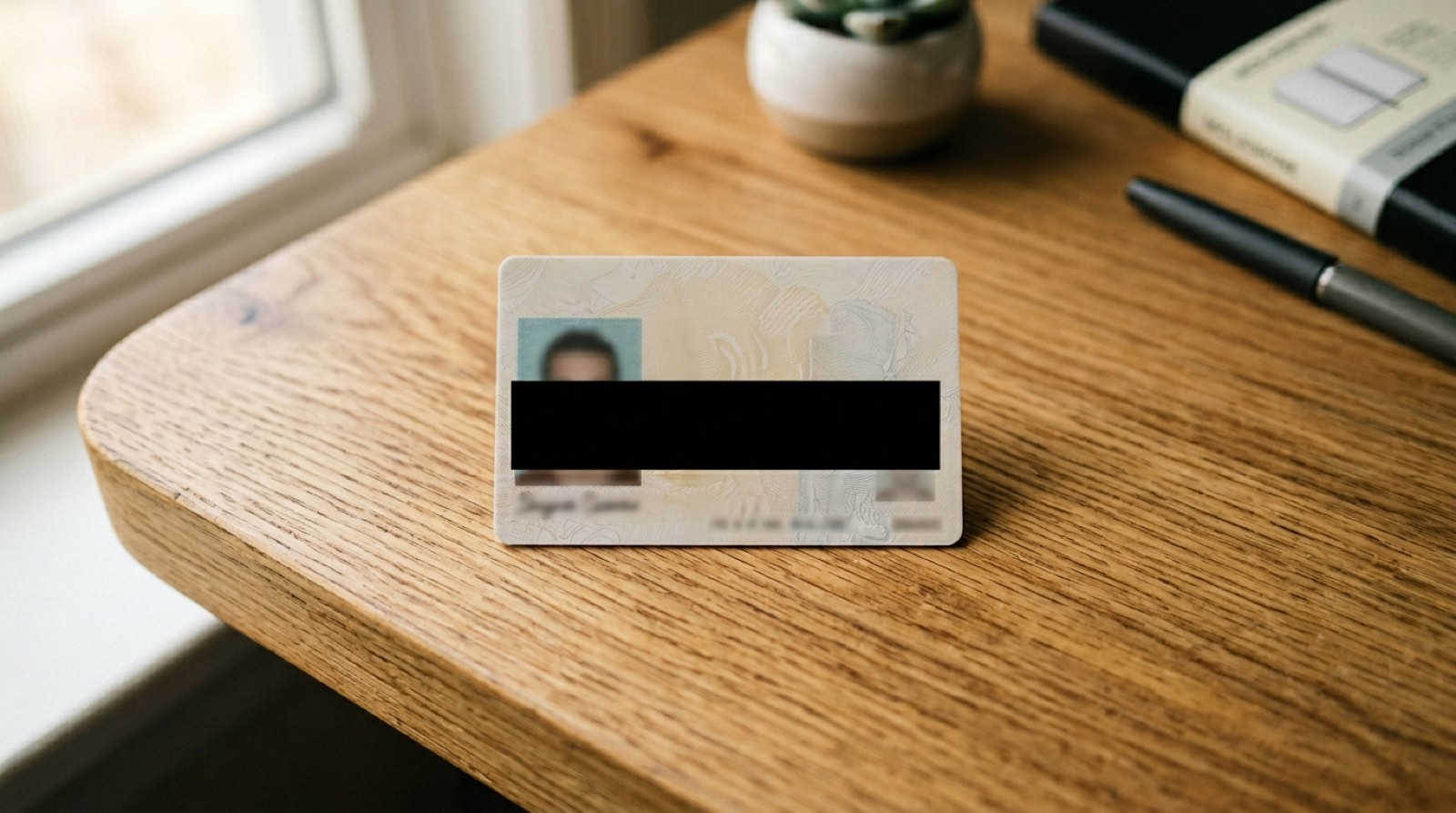
Every week, millions of people email, text, or upload photos of their driver's license. Most of them cover one or two fields with a quick blur or a colored box — and most of those redactions are reversible, incomplete, or pointing at the wrong fields entirely.
Here's the sixty-second version of doing it right.
What actually needs to be covered
Your driver's license contains more identity-theft material than almost any other document you own. The high-value fields are:
- Driver's license number — the primary key for identity fraud, DMV impersonation, and tax scams.
- Full home address — enables physical targeting and mail fraud.
- Signature — often the last piece needed to forge applications.
- PDF417 barcode (back of the card) — a machine-readable dump of every field on the front. Redacting the front but leaving the barcode visible is pointless.
What you can usually leave visible:
- Full legal name
- Photo
- Date of birth — only if the recipient actually needs age verification
- Class/endorsements — only if relevant (car rental, CDL jobs)
If you're not sure what the recipient needs, ask. You can always send a second, less-redacted version; you can't un-send a leaked address.
The blur trap
Gaussian blur, mosaic, and pixelation are not redaction. They're obfuscation — and they can usually be un-obfuscated:
- Digits are recoverable. There are only ten possibilities per position and the blur pattern leaks enough info to narrow them down.
- Markup layers are separable. Native photo editors on iOS and macOS store markup as a layer. Savvy recipients can peel it off.
- JPEG artifacts betray what was there. Compressed images retain subtle traces of the original pixels.
The only reliable technique is replace, then flatten: overwrite the pixels (or text) with a solid block, then export to a format that bakes the change in.
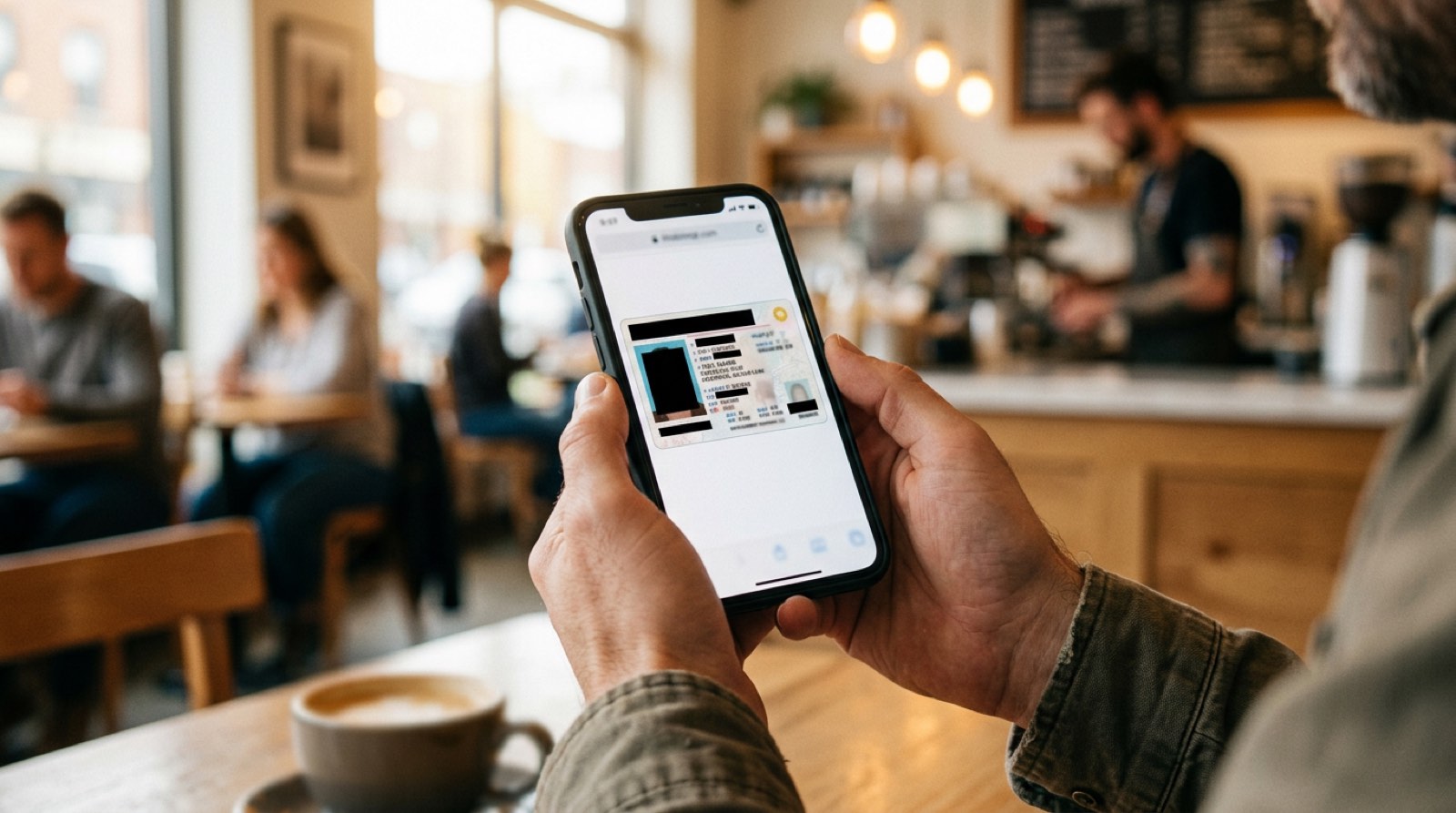
The sixty-second workflow
What to do if someone insists on an unredacted copy
A car rental counter, a hotel, or a job recruiter occasionally asks for a full unredacted ID. Reasonable responses:
- Ask exactly which field they need.
- Offer to show it in person or over a secure portal, not email.
- If they refuse to specify, that's usually a process problem — not a legitimate verification need.
Emails get forwarded. Inboxes get breached. Once your DL number is in someone's Sent folder, it's effectively public.
Bottom line
Your driver's license is the single most valuable piece of ID you carry. The thirty seconds it takes to cover four fields is the cheapest identity-theft insurance you'll ever buy.
Related: How to redact a pay stub for a landlord · Is it safe to email a photo of your ID?
Ready to try it? Redact your license in your browser → — nothing uploads, nothing stored.Ready to Protect Your Privacy?
RedactID lets you redact sensitive information from documents 100% privately - everything is processed on your device, nothing is uploaded.
Try RedactID Free