Is It Safe to Email a Photo of Your ID? (2026 Reality Check)
Short answer: no, not without redacting it first. Here's what actually happens to an ID photo once it lands in someone else's inbox — and the 60-second fix.
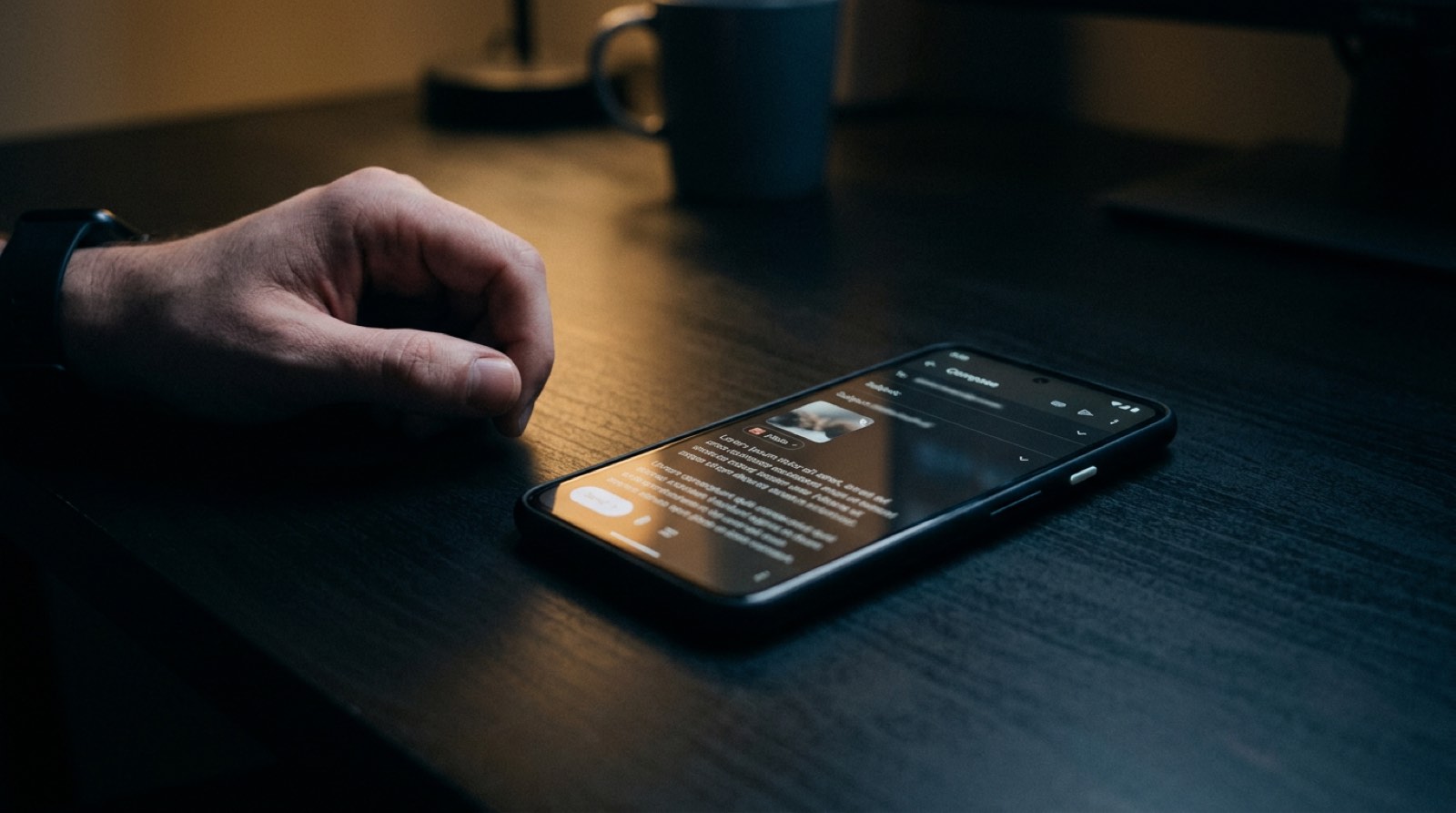
Someone — a recruiter, a landlord, an HR rep, a travel agent — asks you to "just email a photo of your ID." You do it. The attachment leaves your phone. What happens next?
Most people imagine the file lands in one inbox, gets glanced at once, and disappears. The reality is different.
Where your ID actually ends up
An unredacted ID attached to an email typically exists, within 24 hours, in all of these places:
- Your sent folder. Forever. Across every device synced to your account.
- The recipient's inbox, usually replicated across desktop, mobile, and a web client.
- Mail server backups. Most providers retain messages for 30–90 days even after deletion.
- The recipient's phone. If they viewed it on mobile, iOS or Android likely cached the attachment.
- Forwarded copies. Recruiters forward to hiring managers. Landlords forward to property managers. HR forwards to payroll. Each forward creates two more copies.
- Screenshots. Anyone who needed to "share the photo" instead of the attachment took a screenshot, which goes into their Photos, which syncs to iCloud or Google.
- Chat tools. Slack, Teams, and WhatsApp are common destinations when the recipient needs a second opinion.
- Helpdesk tickets. If your application generated a ticket, your ID may be attached to it in Zendesk, Jira, or Freshdesk indefinitely.
A single email created eight to fifteen copies of your ID, in systems you will never audit, controlled by people you'll never meet.
The three myths
"Email is encrypted." In transit, sometimes. At rest, rarely end-to-end. Your provider can read every message. So can whoever buys them in a data-sale deal, or whoever compromises the backup system — which happens constantly. "The recipient said it's secure." "Secure" is a marketing word. What matters is: Is the email end-to-end encrypted? (Almost never.) Are backups encrypted? (Varies.) Can the recipient forward it? (Yes, always.) Can their laptop be stolen? (Yes.) Will they leave the company in two years and forget the attachment exists? (Yes.) "It's just a driver's license, everyone has seen it." Your DL number is a primary key in a dozen identity-theft workflows. Combined with your DOB (also on the card) and your address (also on the card), it's enough to open loans, file fake tax returns, and redirect mail.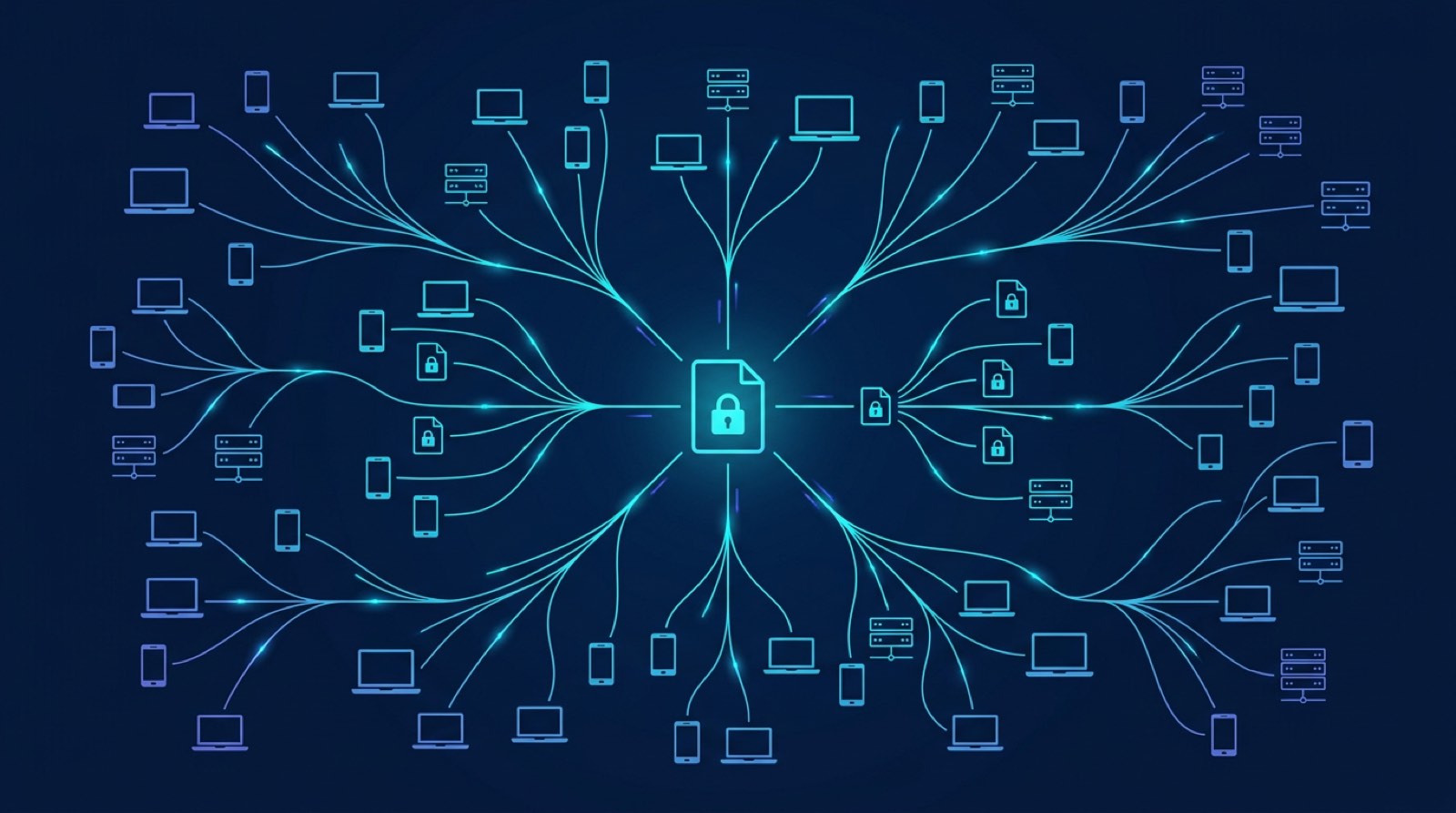
When it is reasonably safe
Some channels are meaningfully better:
- End-to-end encrypted messengers (iMessage between Apple users, Signal, WhatsApp). The message can't be intercepted in transit. But the recipient still controls what happens next.
- Dedicated secure portals with audit logs, retention policies, and expiring links.
- In-person verification, where no digital copy is ever made.
Even on those channels, redaction still wins. If the recipient only needs to confirm name + photo, don't send them the DL number, address, and signature too.
The sixty-second fix
You're done. The worst a future breach can leak is what the recipient genuinely needed.
Bottom line
"Is it safe to email a photo of your ID?" is the wrong question. The right question is: given that email is not private, what's the smallest version of my ID that accomplishes what the recipient actually needs?
Usually that's your name, photo, and a verification-specific field or two. Redact the rest.
Related: How to redact a driver's license safely · How to redact a pay stub for a landlord
Redact before you send. Try RedactID free → — in-browser, no uploads, nothing stored.Ready to Protect Your Privacy?
RedactID lets you redact sensitive information from documents 100% privately - everything is processed on your device, nothing is uploaded.
Try RedactID Free