How to Redact a Utility Bill for Proof of Address
New bank account, apartment, or gym? Your utility bill is used as proof of address — but it shows way more than your address. Here's exactly what to black out.
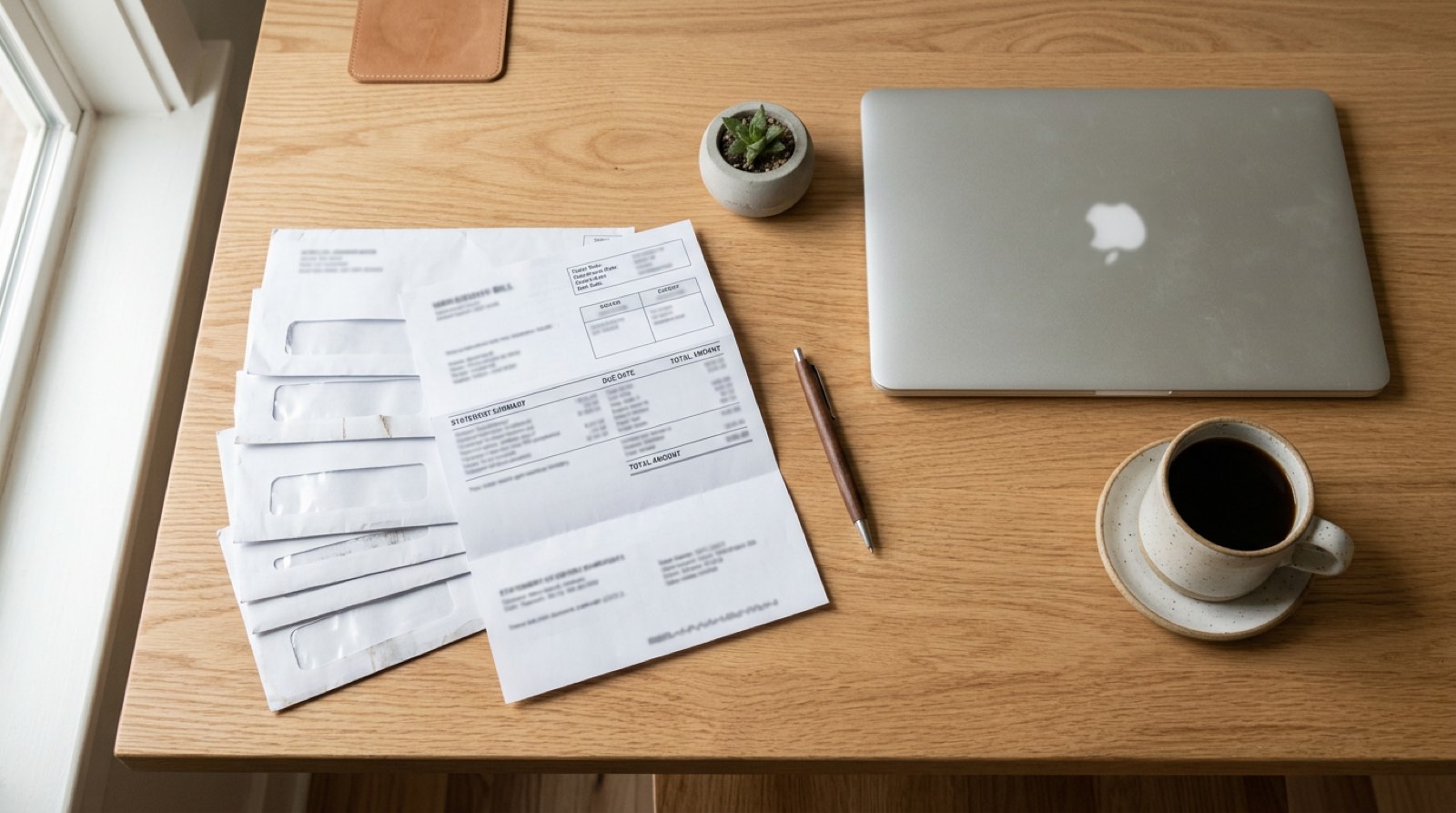
Opening a bank account, signing a lease, setting up a crypto exchange, applying for a gym membership — at some point in the last year, somebody asked you for a "recent utility bill as proof of address." You scanned it, emailed it off, and forgot about it.
That bill contained your account number, your meter ID, twelve months of usage data, and sometimes even the last four of your bank card. The recipient needed your name and address. Everything else is free data.
Here's how to send only what's needed — in under a minute.
What proof-of-address actually verifies
For the recipient, a utility bill is a KYC (know-your-customer) document. They use it to confirm three things:
- Your full legal name matches the application.
- A service address matches the address you registered.
- The bill is recent — usually issued within the last 60 or 90 days.
That's the whole check. Account numbers, usage graphs, and billing breakdowns do not make the verification any stronger.
What to black out
Open any utility bill and you'll typically find:
- Account / customer number — can be used for social engineering your utility provider.
- Meter ID or service point number — identifies the physical connection.
- Billing history and consumption graphs — reveals when you're home, when you travel, and seasonal patterns.
- Bank account or card last four — if you're on autopay.
- Payment reference codes — can be used by others to pay from or to your account.
- Customer service PINs or security questions — occasionally printed on the stub.
Keep visible:
- Utility provider name and logo — the verifier needs to see this is a legitimate bill.
- Your full name
- Service address
- Bill issue date
If you're unsure, redact it and see if the verifier complains. They almost never do.
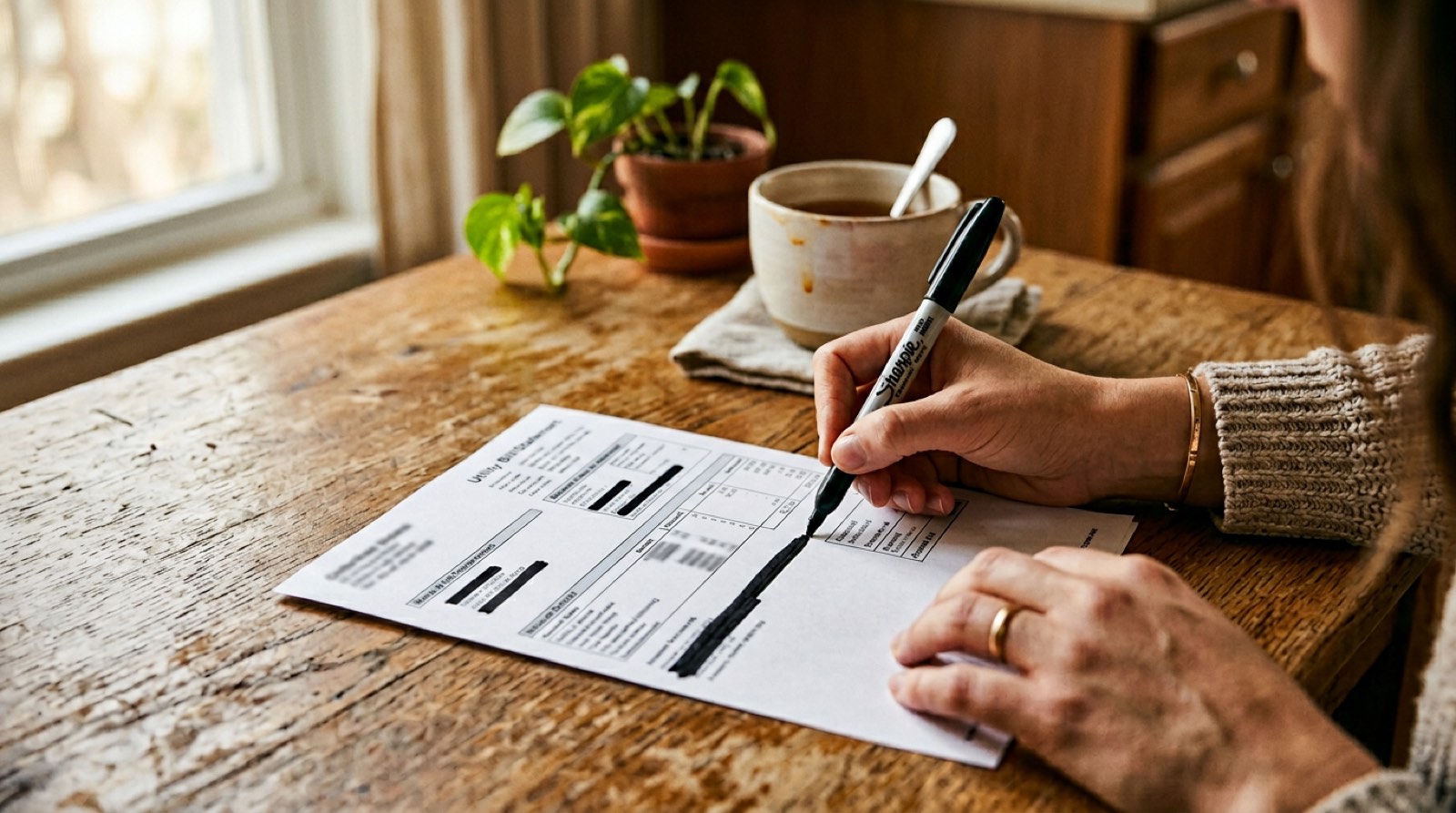
Don't just draw a box — flatten it
The most common mistake: people open the PDF in Preview, draw a black rectangle with the annotation tool, and send it. The rectangle is an annotation layer, not a baked-in change. Open the same PDF in Acrobat, Chrome, or any modern viewer and the annotation can be deleted — revealing the original data underneath.
Proper redaction:
An in-browser redaction tool handles all three automatically, and the file never leaves your device.
The quickest safe workflow
Pushback is rare
In years of doing this, the number of compliance teams that push back on a cleanly-redacted utility bill is effectively zero. They're looking for a checkmark — name, address, date — not a forensic audit.
The risk isn't over-redaction; it's the inverse. An unredacted PDF sitting in a support inbox is a decade-long liability.
Related: How to redact a pay stub for a landlord · Is it safe to email a photo of your ID?
Need to redact a bill right now? Try RedactID free → — in-browser, no uploads, nothing stored.Ready to Protect Your Privacy?
RedactID lets you redact sensitive information from documents 100% privately - everything is processed on your device, nothing is uploaded.
Try RedactID Free