How to Redact a W-2 or 1099 Before Emailing It
Your W-2 has your SSN, your employer's EIN, and a year of earnings. Most people email it without a second thought. Here's what to cover — and why it matters.
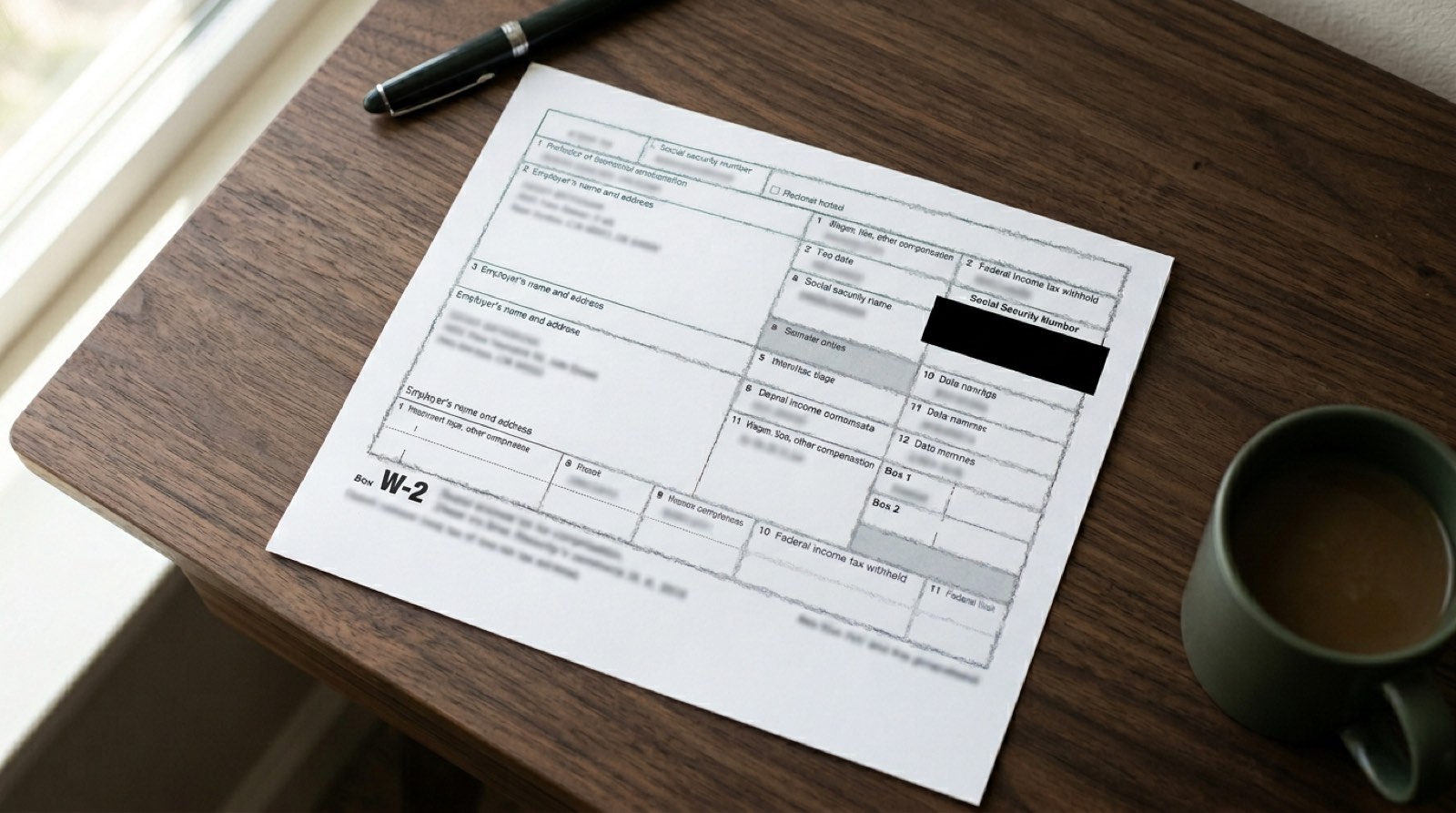
Tax season is the single busiest time of year for identity theft. Fraudsters don't need your mother's maiden name — they need your Social Security Number and your employer's EIN, and both are printed in large type at the top of every W-2 and 1099 you'll ever receive.
Most people email these forms without a second thought. Here's how to stop doing that.
What's actually on your W-2
Open any W-2 and you'll find, in order of identity-theft value:
- Your SSN (Box a) — the master key.
- Employer's EIN (Box b) — combined with your SSN, enables a wide family of tax scams including filing a fake return in your name.
- State ID number (Box 15) — state-level version of the same problem.
- Full home address — enables mail fraud and physical targeting.
- Every box of wages, tips, withholding, retirement contributions, and dependent-care benefits — a detailed financial profile.
A 1099-MISC, 1099-NEC, 1099-K, or 1099-INT has the same structure: your identifier, the payer's tax ID, and an earnings amount. All of it is sensitive.
What the recipient actually needs
The person asking for your tax form usually has a narrower need than the form exposes:
- Mortgage lender — wages, withholding, employer name. Not your SSN (they already have it).
- Apartment landlord — gross income figure and employer name.
- Financial advisor — wages and retirement contributions; they already have your SSN in their CRM.
- Accountant doing your taxes — everything. Don't redact for your own CPA.
- HR at a new employer verifying prior income — wages and dates. Not your SSN.
When in doubt, ask what they need. The default should be "the smallest version of the form that satisfies the request."

The 60-second workflow
The IRS transcript alternative
For many loan and verification use cases, you don't need the W-2 at all. Pull a Wage and Income Transcript directly from IRS Get Transcript. It shows the same earnings information with your SSN and EIN already partially masked. Lenders almost always accept it.
If your recipient will take a transcript, send that instead. One less sensitive document in circulation.
Don't trust screenshot redactions
The most common mistake: opening the W-2 in Preview, drawing a black rectangle over the SSN with the markup tool, and emailing the result. Two problems:
Ctrl+A + Ctrl+C.Proper redaction removes the underlying data — it doesn't just cover it. That's the entire point.
Bottom line
Your W-2 is not "just a tax form." It's a detailed, government-certified dossier on your identity and finances, printed once a year and mailed to you. Treat it accordingly.
Sixty seconds of redaction is cheaper than a year of sorting out a fake tax return.
Related: How to redact a pay stub for a landlord · How to redact a driver's license · Is it safe to email a photo of your ID?
Redact a W-2 or 1099 in your browser — try RedactID free. Nothing uploads, nothing stored.Ready to Protect Your Privacy?
RedactID lets you redact sensitive information from documents 100% privately - everything is processed on your device, nothing is uploaded.
Try RedactID Free